John The Ripper User Guide on Windows
18/06/2026
This is an old article I originally wrote in French and published on GitBook. I've decided to republish it here, translated into English.
Introduction
Hello dear visitors of my blog. Today I'm going to show you how to use "John The Ripper", a free command-line tool (CLI or command line tool) that lets you crack passwords in offline mode.
Disclaimer: This article is written for educational purposes only. The author is against any unauthorized use and assumes no responsibility for the consequences resulting from the use of the information contained on this page.
Download
Let's start by downloading the tool from the official site: https://www.openwall.com/john/
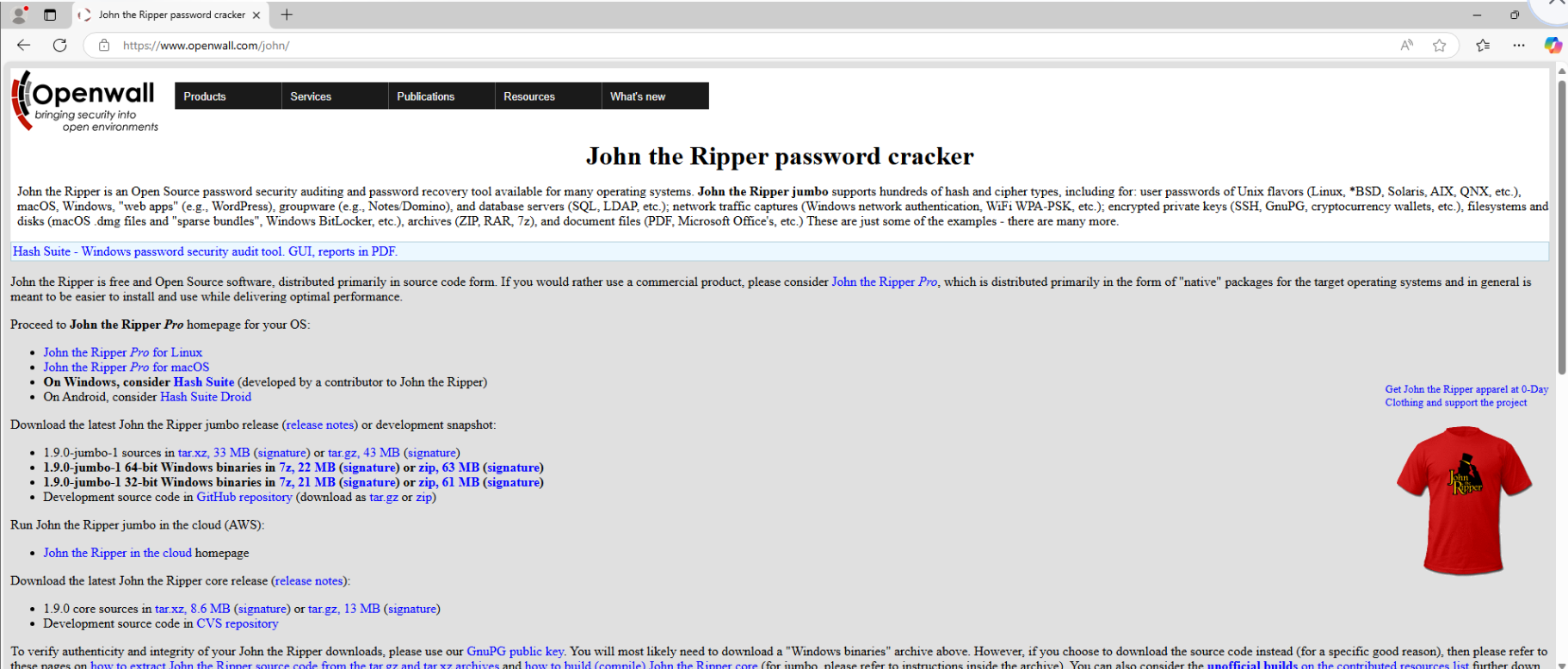
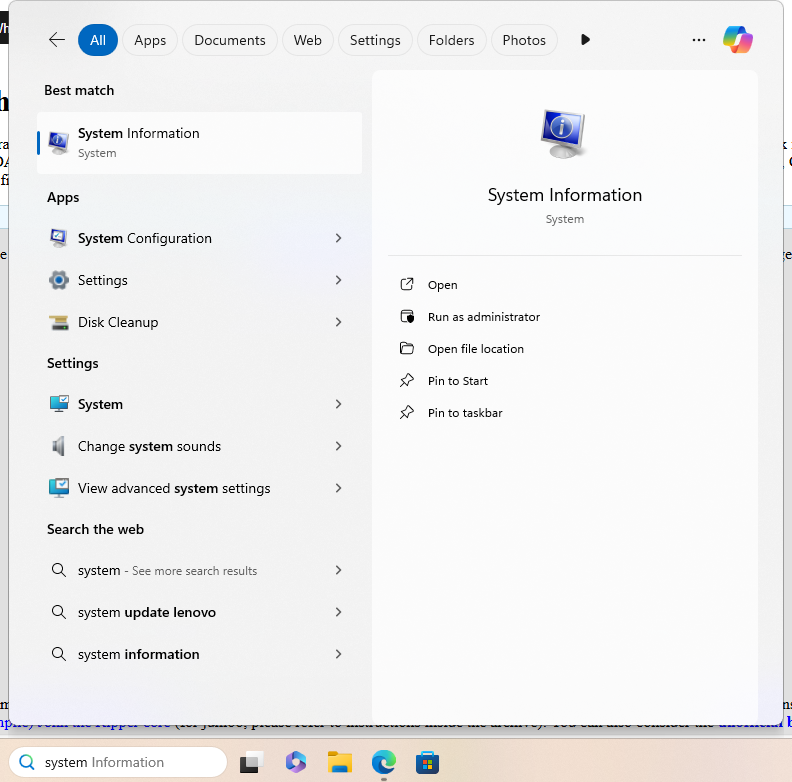
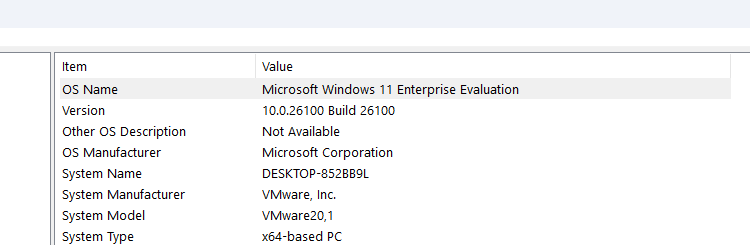
Let's choose the architecture version that suits us best. To find out, let's look at the system information.
We can see that the architecture used in my case is x64 (System Type).
So let's download John The Ripper (zip, 63 MB (signature)).

Installation
Once downloaded, we need to unpack the zip archive. Let's extract the files into a separate folder.
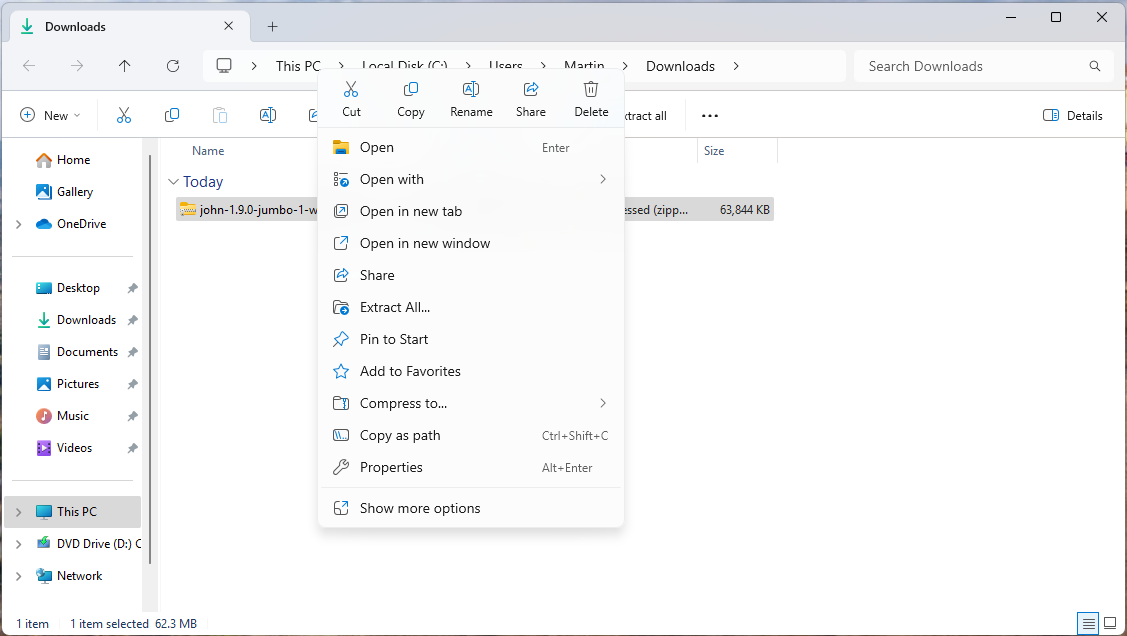
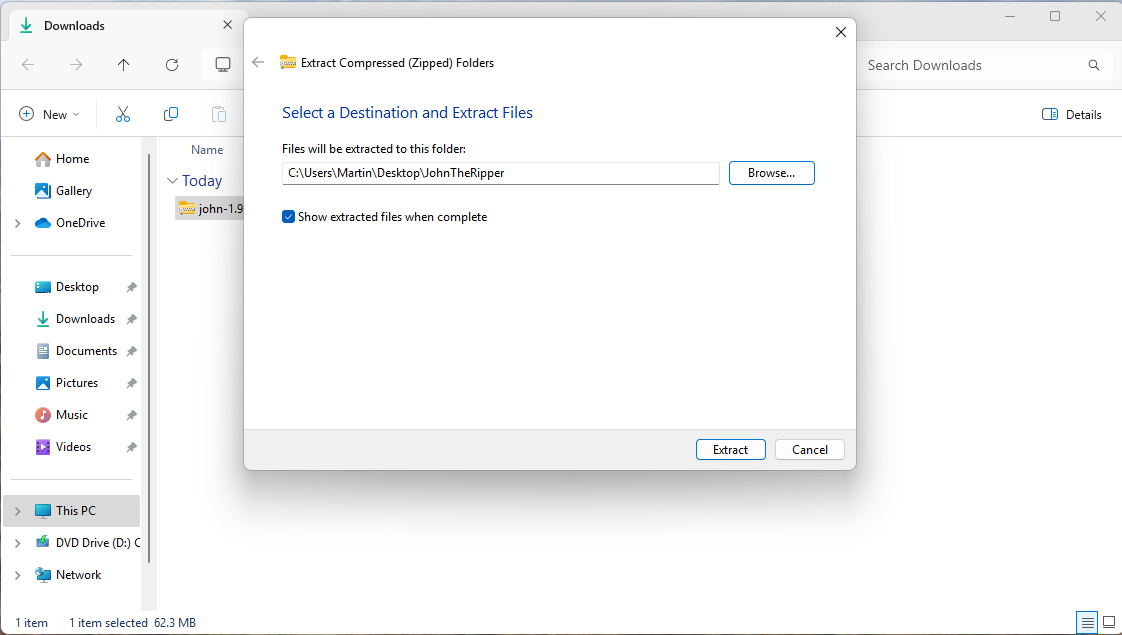
Let's add the destination "\john-1.9.0-jumbo-1-win64\run" to the system environment variables.
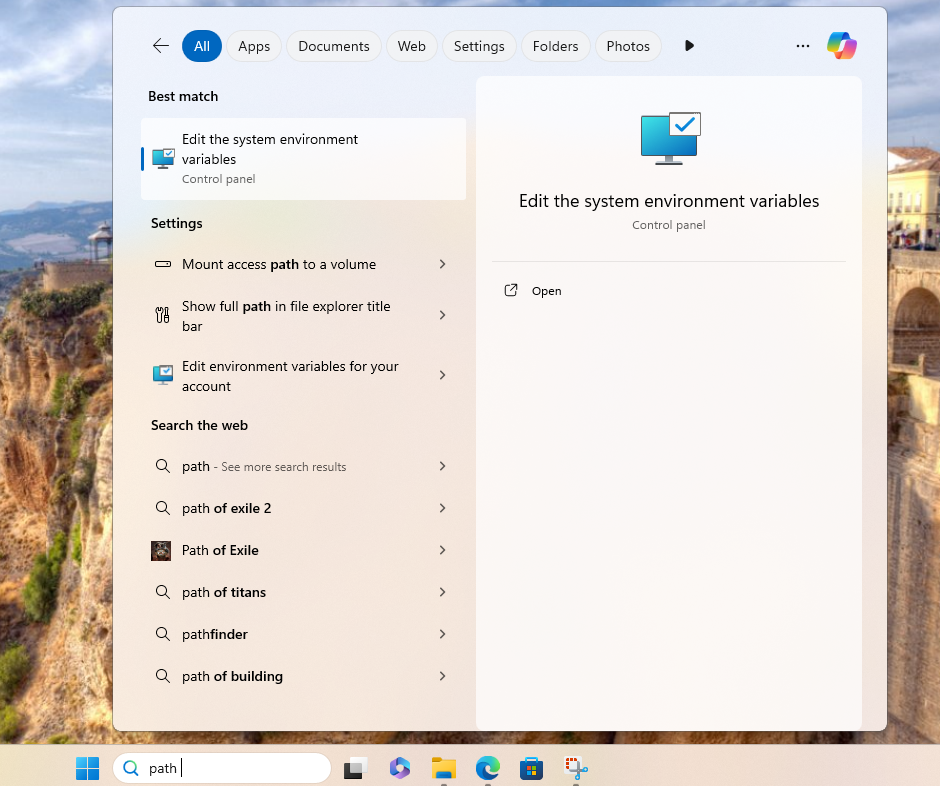
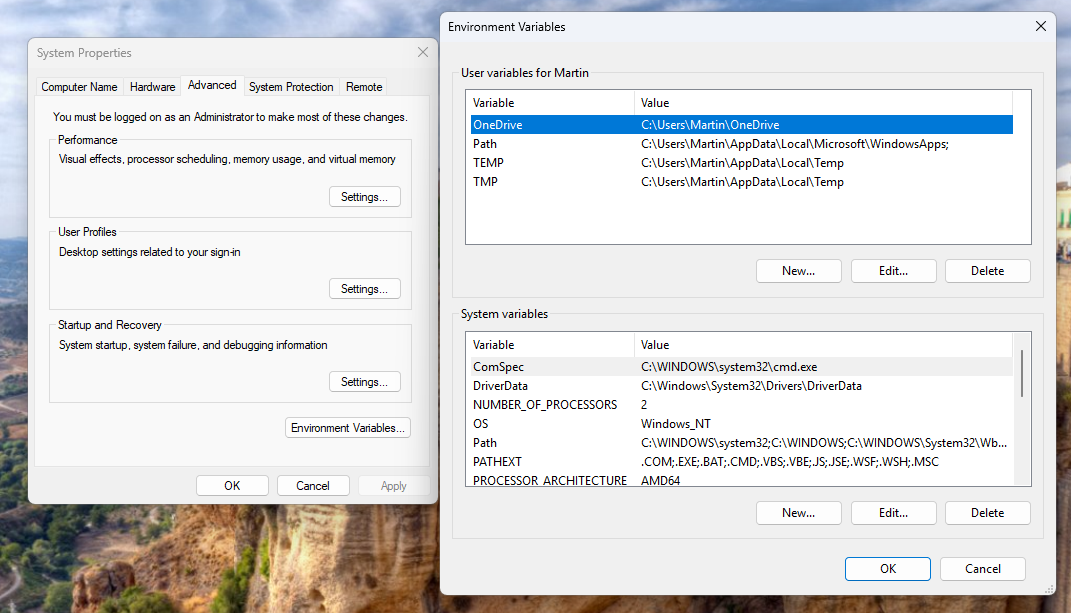
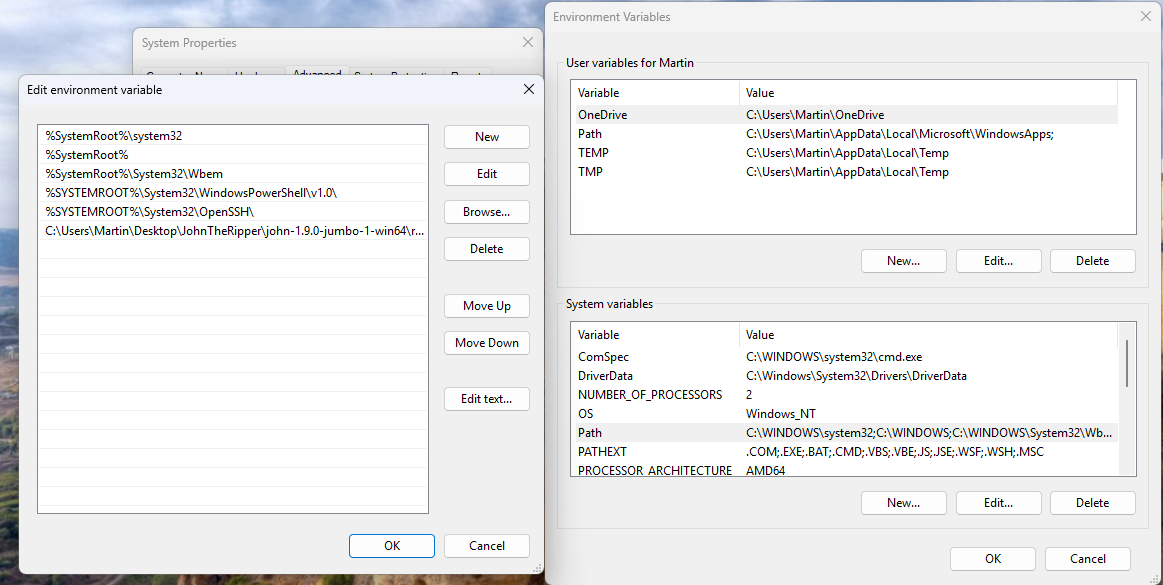
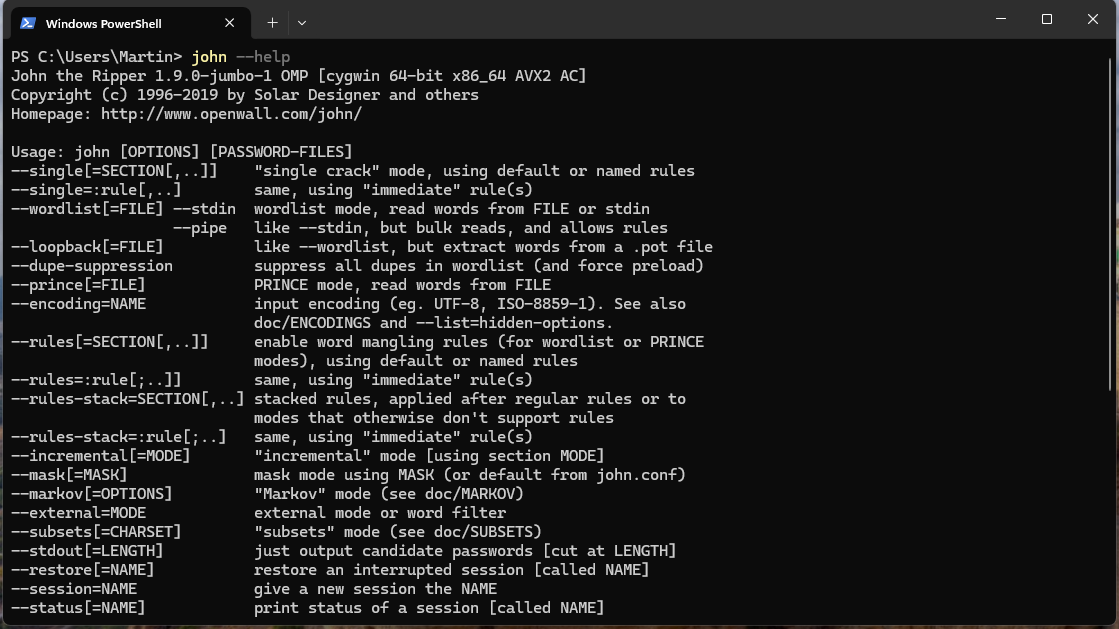
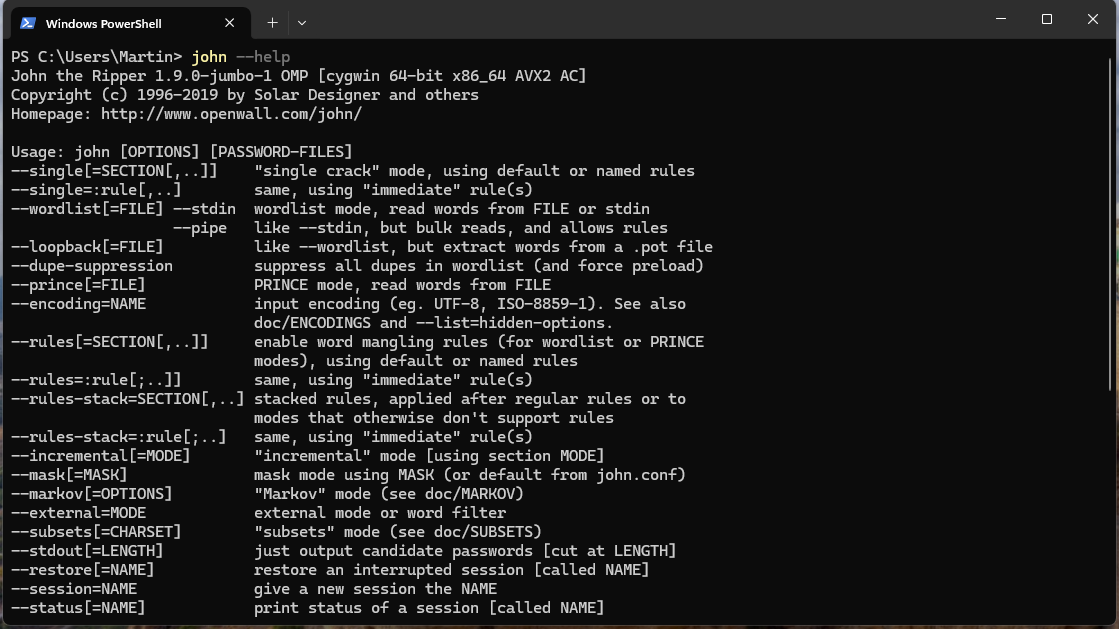
OK -> OK -> OK, then close the window. Let's test the installation by opening PowerShell and entering john --help. We can clearly see that the command-line tool is correctly installed.
Attacking Mode
Single crack mode
Make sure you have PERL on your local machine before continuing and add it to the environment variables. Download link: https://www.perl.org/get.html#win32 .
Single crack mode
For use with the default rules. Start cracking with this option if you have no other ideas about where to begin.
Example: An encrypted archive in 7z format:
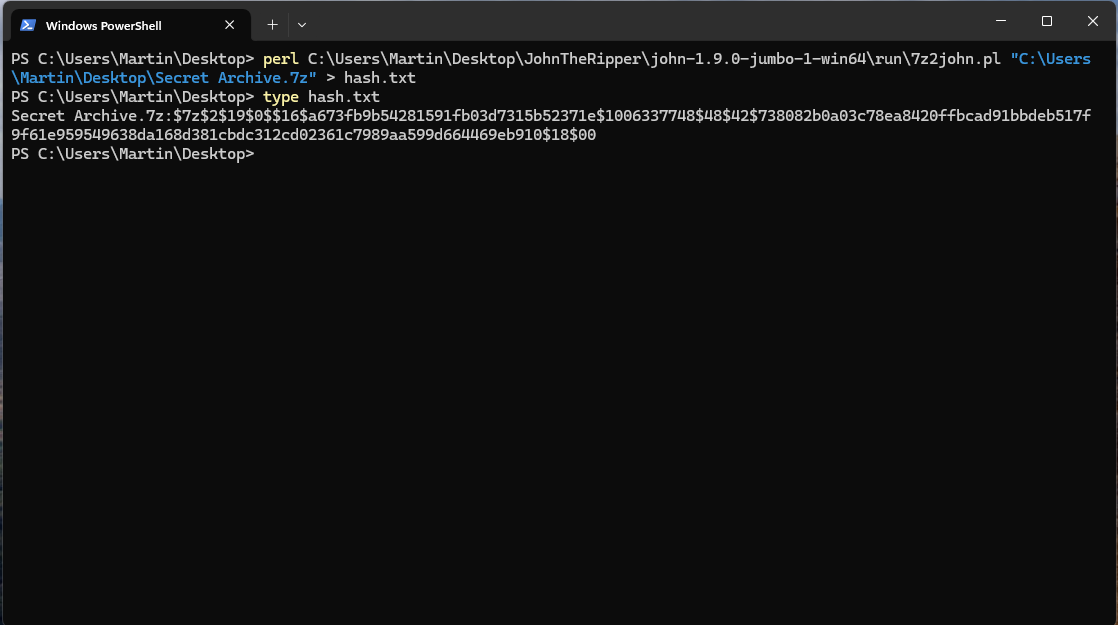
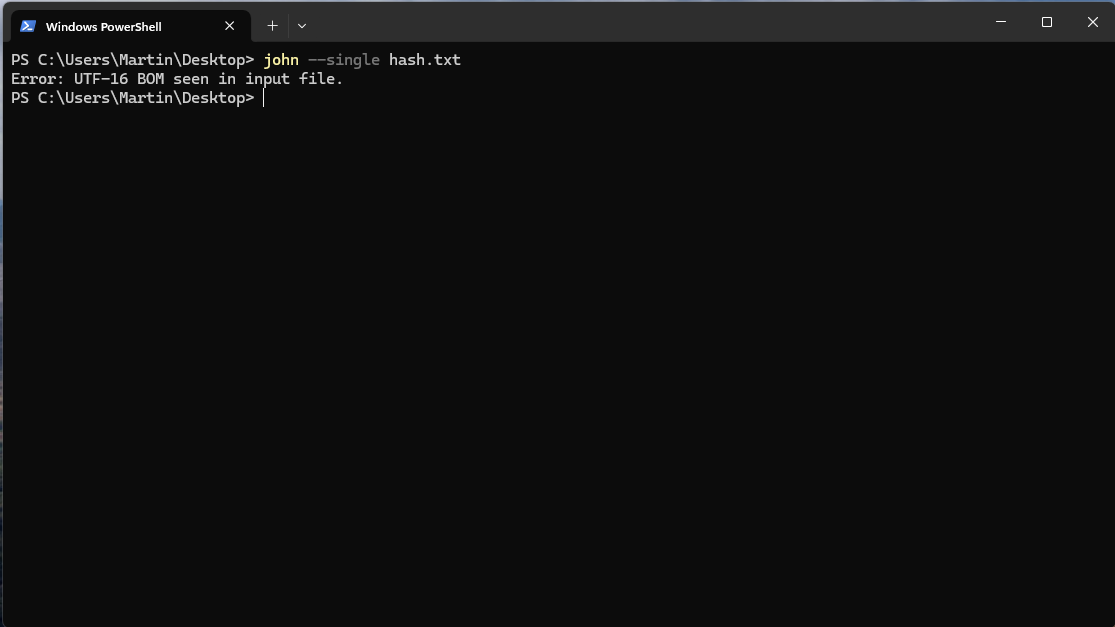
We can see that an error occurred. The "hash.txt" file is encoded in "UTF-16 BOM" format. Let's open the file and save it in "UTF-8" format.
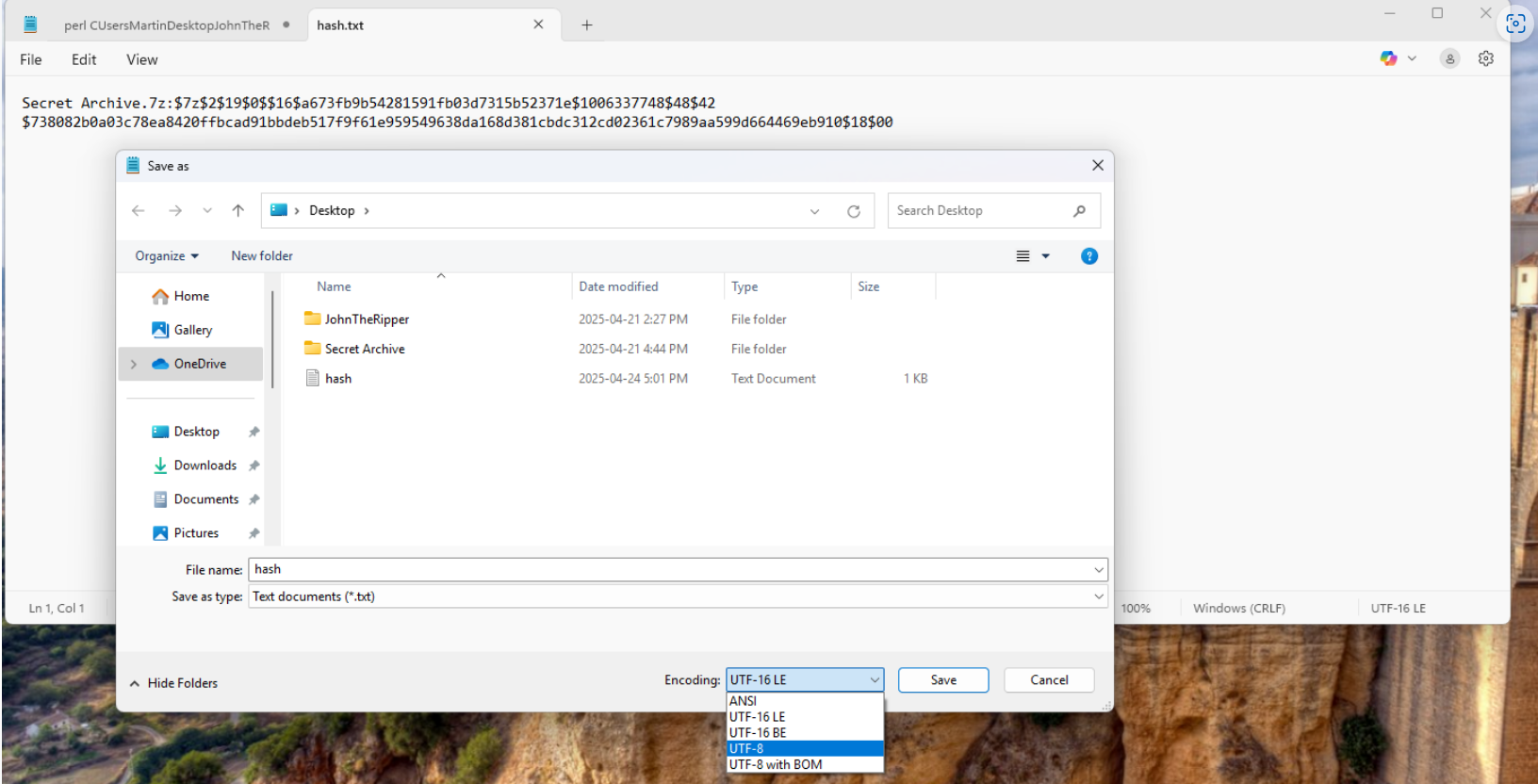
After saving, let's try again.
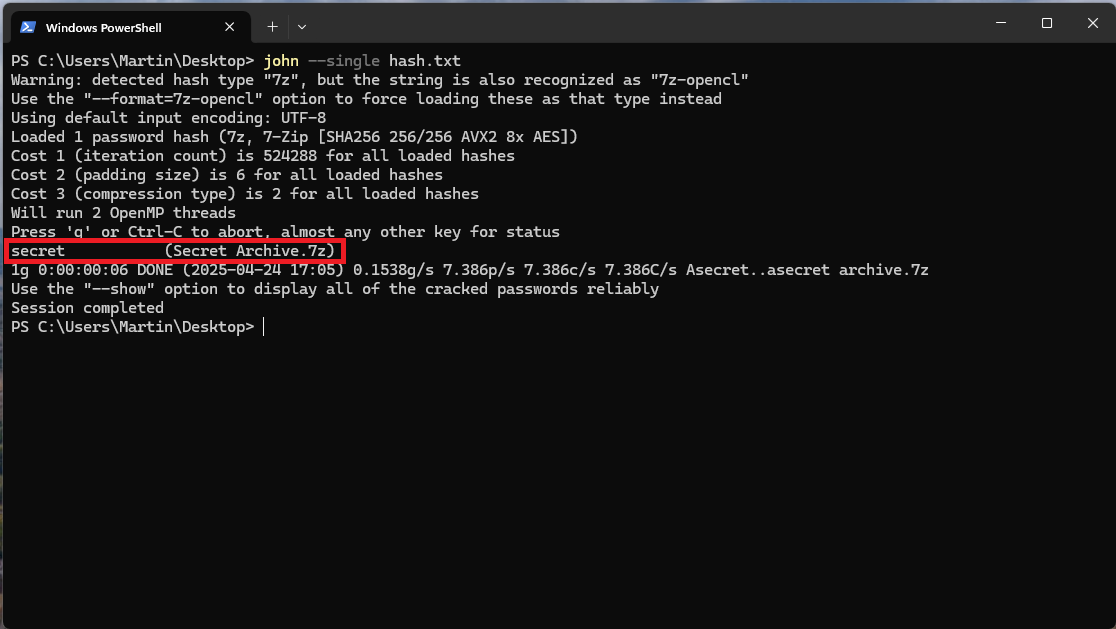
We successfully found the password for this archive, which is of course "secret".
Wordlist Mode
You can download the most common password lists from https://github.com/danielmiessler/SecLists/tree/master/Passwords or https://gitlab.com/kalilinux/packages/wordlists [for CTFs].
To avoid getting the "No password hashes loaded" error because of an already-cracked password, I deleted the "john.pot" file in the "/run" folder where "John The Ripper" is located, and I recreated the hash.txt file with the same configuration before starting this second demonstration.
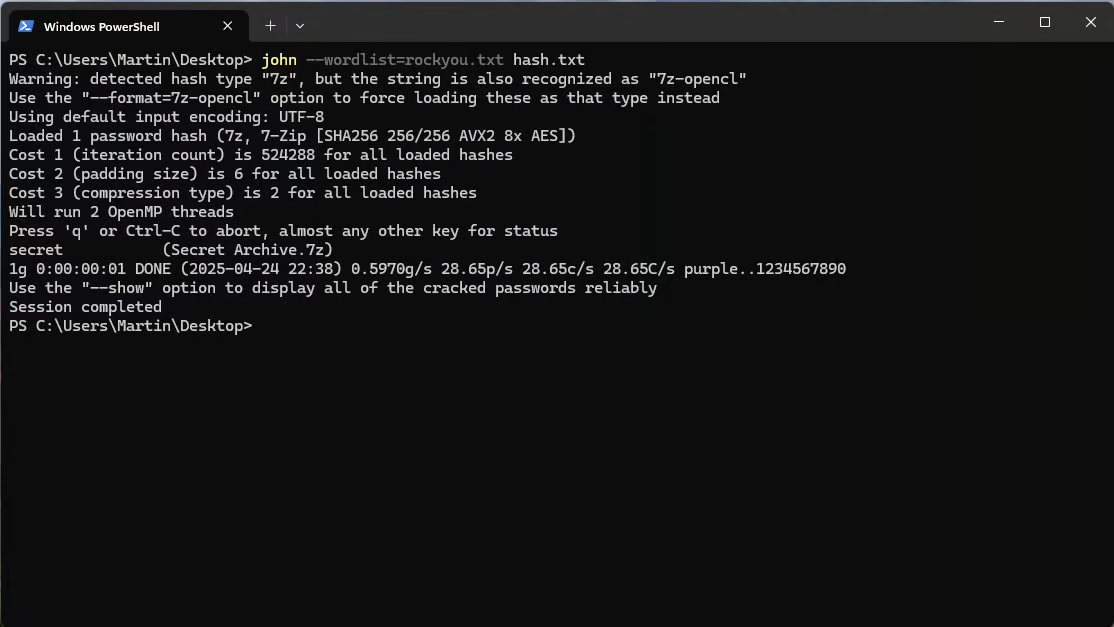
The file (wordlist) I used in this example is "rockyou.txt" (downloaded and unpacked from here: https://gitlab.com/kalilinux/packages/wordlists/-/blob/kali/master/rockyou.txt.gz?ref_type=heads).
Optional (adding the format):
In some cases, it can be useful to specify the hash type. In particular when the hash is ambiguous or unrecognized.
Let's look at the list of available formats with john --list=formats.
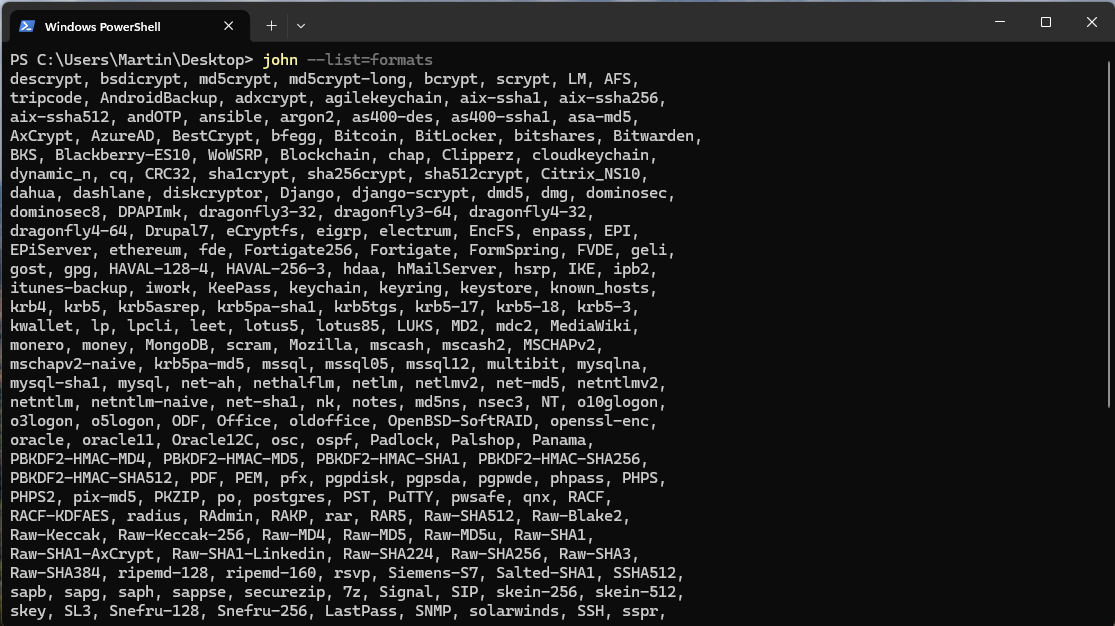
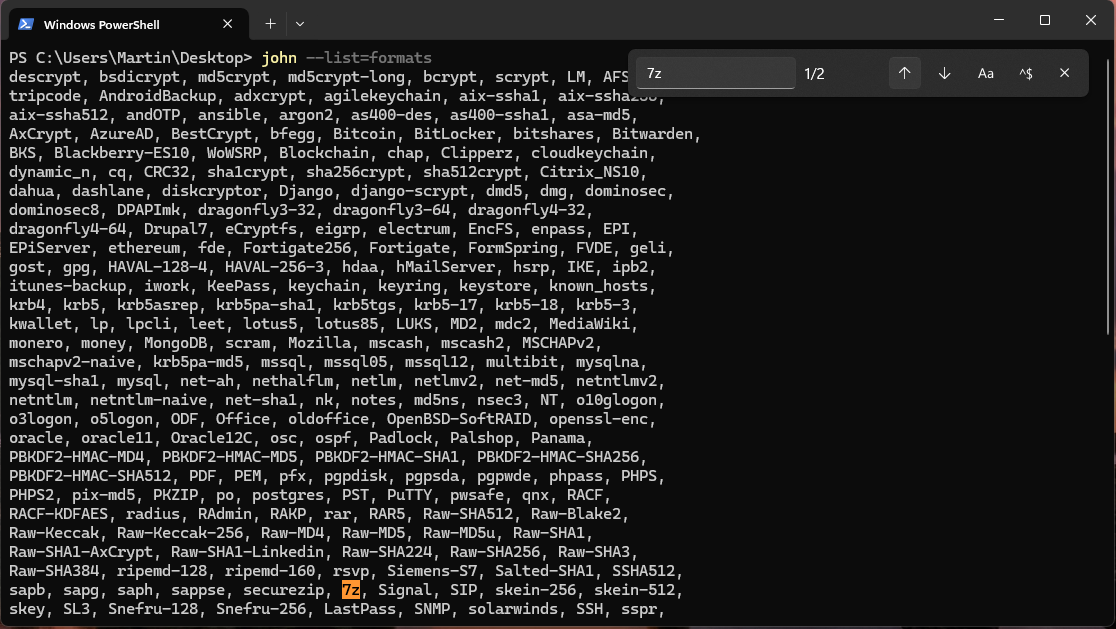
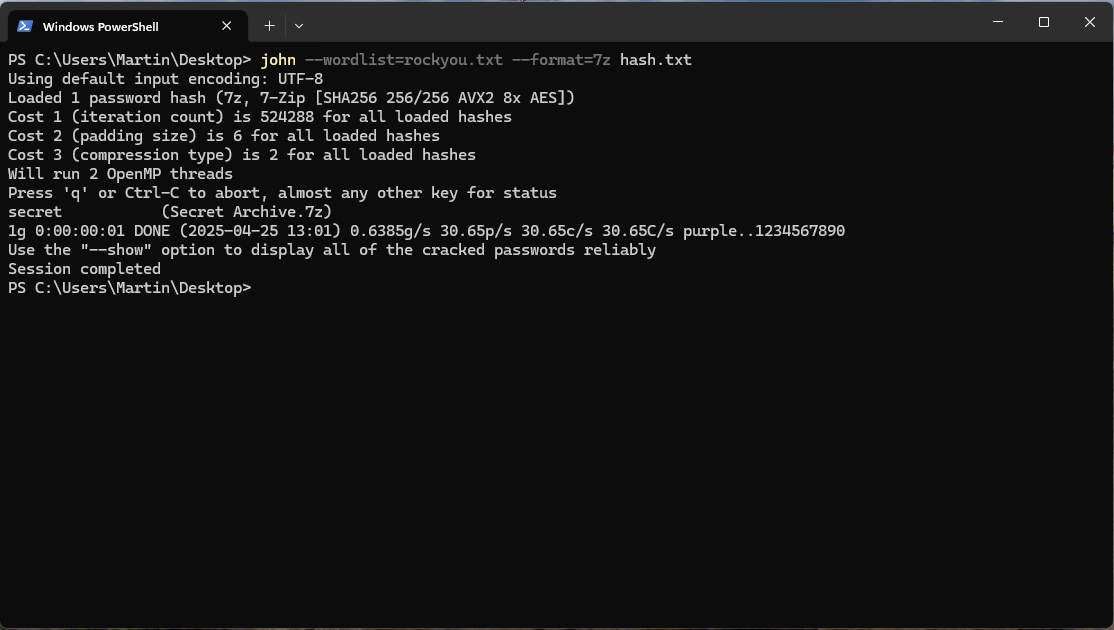
Let's choose the .7z format and launch the crack:
Incremental mode
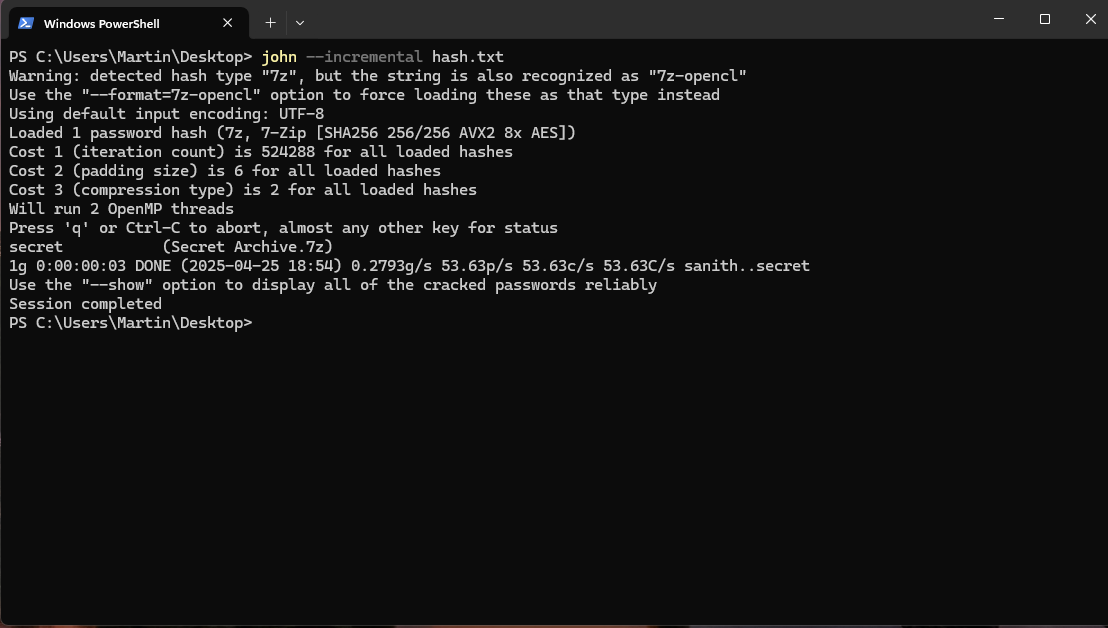
Incremental cracking mode is an attack mode where every password combination is tried according to size and complexity criteria.
External mode
You can define your own cracking mode with John The Ripper in the configuration file [List.External:MODE], where MODE is any name you assign to the mode.
The different file and hash formats
You already know that to read the list of hash formats available for cracking with John The Ripper, you simply type john --list=formats as mentioned earlier.
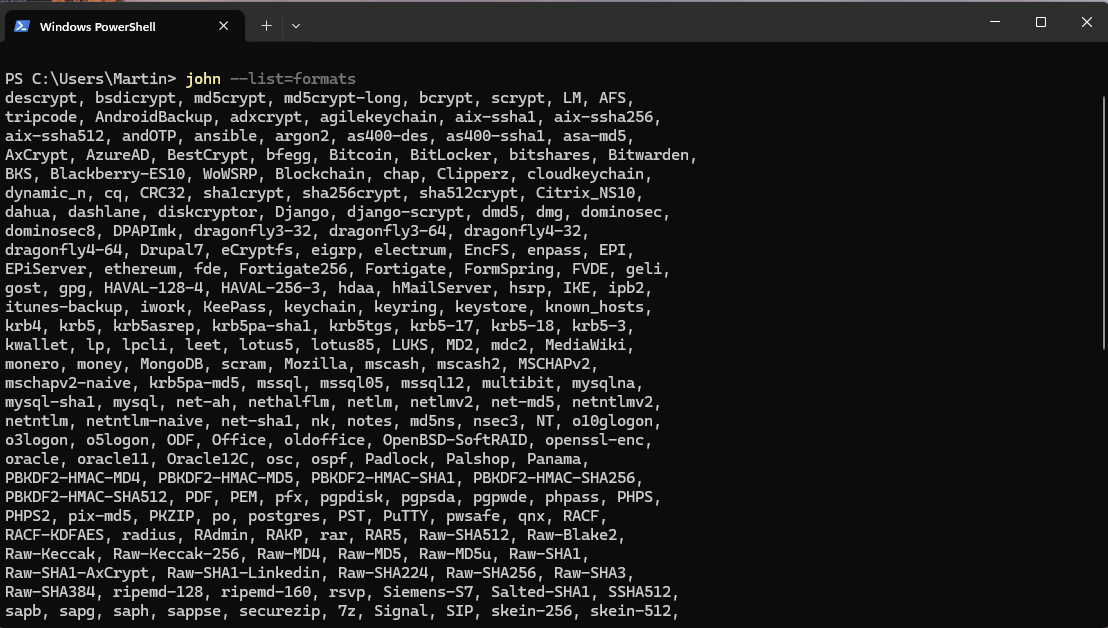
To find out which file format types can be hashed in order to then be cracked by John The Ripper, you can visit the location where John The Ripper is stored, /run.
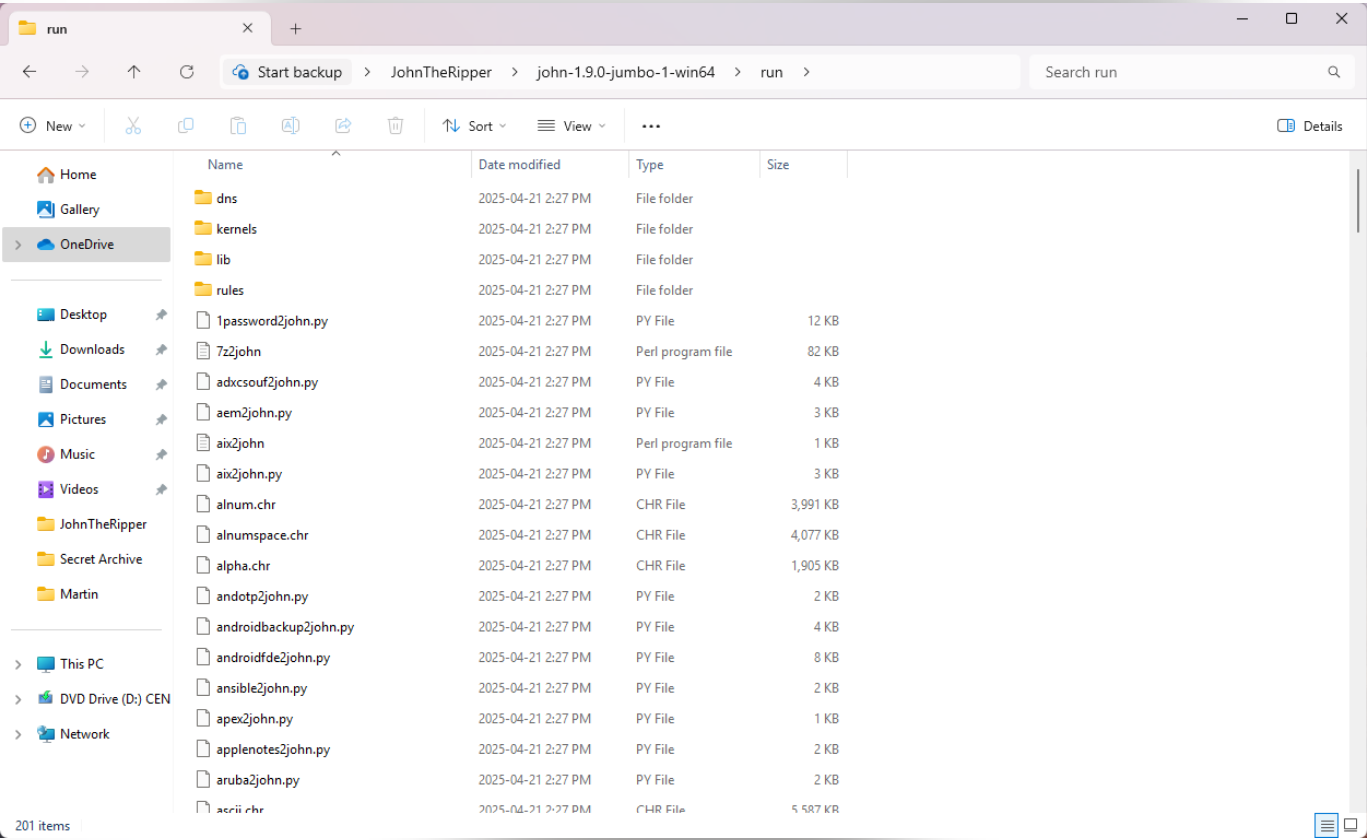
Interrupting and resuming attacks
To interrupt John the Ripper, you can press CTRL+C or simply q. To return to the last interrupted session, just type john --restore.
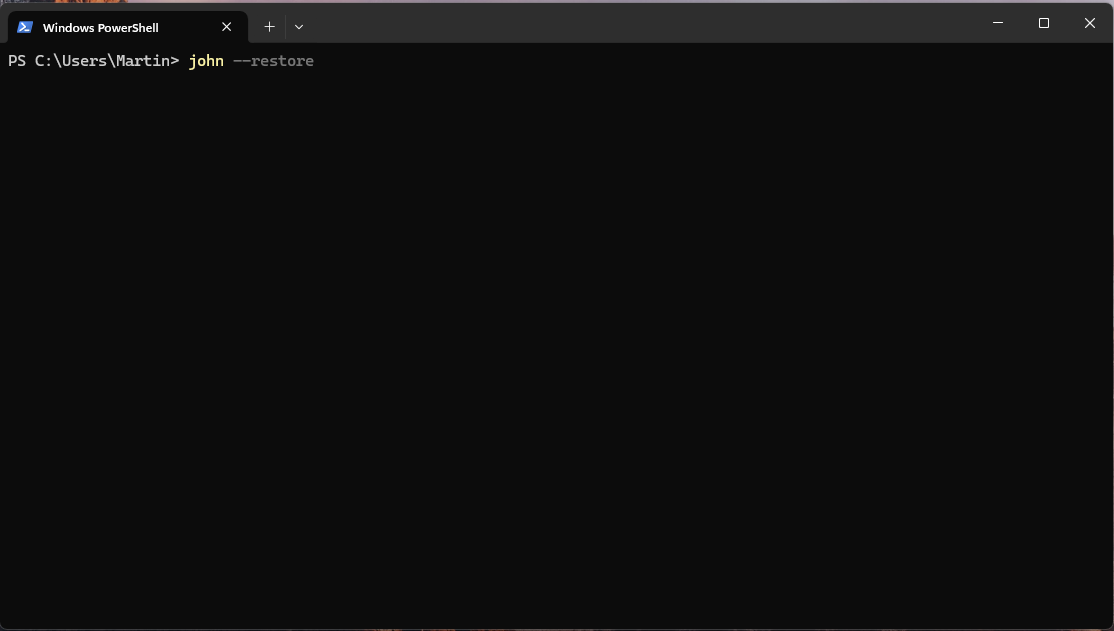
Conclusion
John The Ripper is therefore a powerful tool for offline password cracking. Thank you, dear readers, for paying attention to my article. Until next time.
References
- https://www.azursecure.com/cours/administration-securite/introduction-a-john-the-ripper/
- https://www.openwall.com/john/doc/
- Same as no. 1.
- https://www.techtarget.com/searchsecurity/tutorial/How-to-use-the-John-the-Ripper-password-cracker (Additional resource)